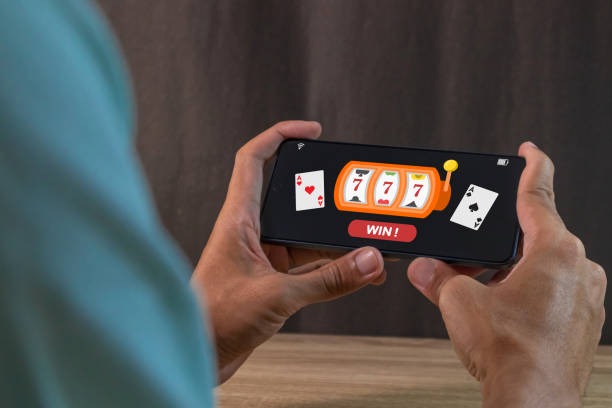
Accessing mantapslot on mobile and web

Getting started with mantapslot
-
Download the Android APK or open iOS Safari
Visit mantapslot.app and select your platform; Android users can also enable "Unknown Sources" in settings to install the APK directly.
-
Install and confirm jurisdiction
Complete installation and accept that the service is available only where local law permits; we verify this during account setup.
-
Register your account
Provide username, email, password, mobile number, and agree to our terms; registration is free and takes under two minutes.
-
Verify and deposit
Upload identity documents, enable two-factor authentication, and fund your account via DANA, e-wallet, mobile banking, or bank transfer to start playing.
App versus browser — what works best
Our native Android app caches recent game feeds and account data, so loading is faster even when your connection dips below 4G. Push notifications alert you to upcoming Liga 1 matches, sportsbook odds shifts, and withdrawal status. The iOS experience runs fully in Safari on iPhone and iPad, with no separate app to update — you always have the latest version. Both paths support offline mode for account settings and transaction history. The web version on desktop or tablet runs identically to mobile, synchronized in real time. Choose the app if you play daily and want notifications; choose the browser if you prefer one fewer download or use multiple devices.
Device requirements and compatibility
We support Android 7 and higher, iOS 12 and higher, and modern browsers (Chrome, Safari, Firefox) updated within the last two years. The app requires roughly 45 megabytes of free storage on Android; iOS users need 30 megabytes. Older devices may experience slow-loading video feeds during peak hours, so we recommend at least 2 gigabytes of RAM. Tablets work equally well, with live-dealer feeds scaled to fill larger screens. Your account works across all devices — log in on your phone at the coffee shop and continue on tablet at home without re-verifying.
Troubleshooting installation and certificate trust
If Android refuses to install the APK, check that "Unknown Sources" is enabled in Settings > Security or Apps & notifications (wording varies by manufacturer). If a certificate warning appears, this indicates the app is signed by our secure key; tap "Install anyway" to proceed. iOS Safari may cache an old version of our app; open Settings > Safari > Clear History and Website Data, then reload mantapslot.app. Some networks block download URLs; try a different WiFi or cellular connection. If the app crashes on launch, uninstall and reinstall; this usually resolves stale cache issues. We at mantapslot investigate crash reports, so report the error to our support team if the problem persists.

Data security and app permissions
We at mantapslot encrypt your login credentials and payment details using industry-standard TLS protocols. The app requests camera and microphone access only when you join a live-dealer table or submit KYC documents; you can deny these permissions and use text-based identity verification instead. Phone storage access is required only to store your account session locally and to cache game data offline. We do not sell or share your personal data. Payment method information is processed by certified payment partners (local payment, online payment, e-wallet) and never stored on our servers. Your withdrawal requests are reviewed by our compliance team before transfer; this review step prevents fraud and ensures your funds reach your verified account only. Enable two-factor authentication in account settings to add a time-based security layer beyond your password.
Key takeaways
- Download mantapslot on Android APK or open iOS Safari — no separate App Store app required
- Live-dealer tables, sportsbook, and slots sync across all devices in real time
- Account setup includes two-factor authentication and identity verification for security
- We support mobile banking, local payment, online payment, e-wallet, mobile banking, local payment, and Indonesian bank transfers
- Jurisdiction access is restricted; confirm local law permits online gaming before registering